我的商店
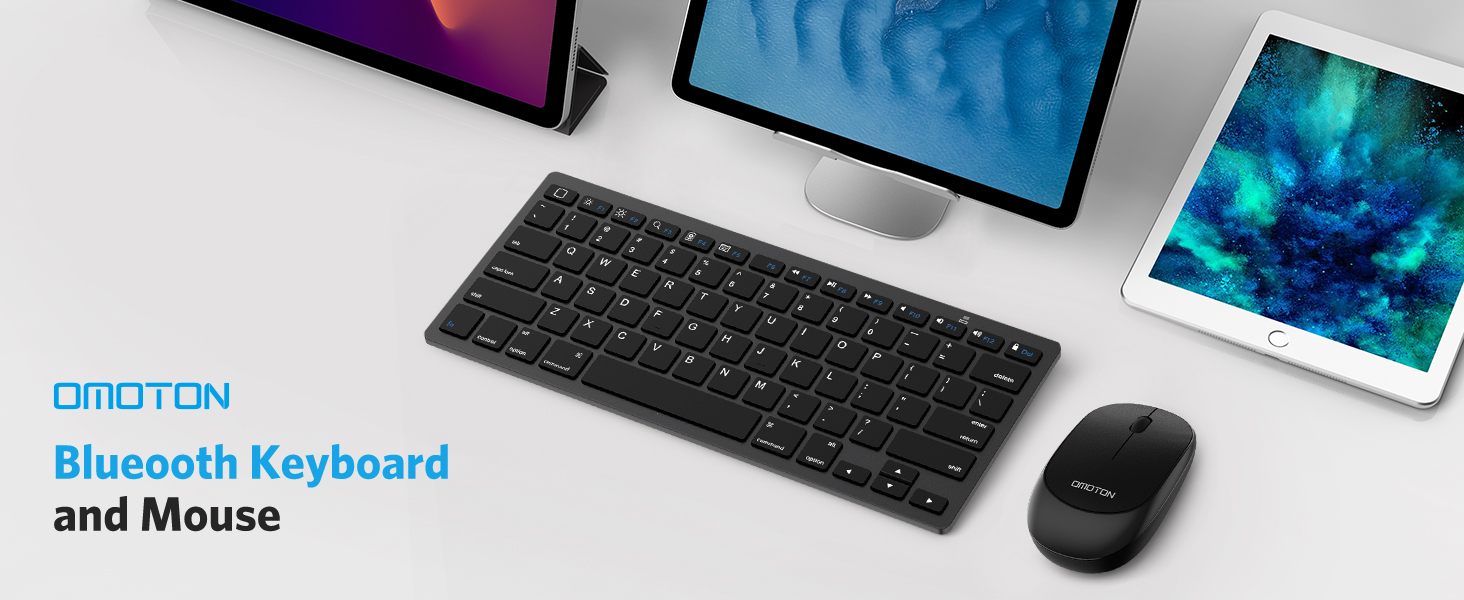
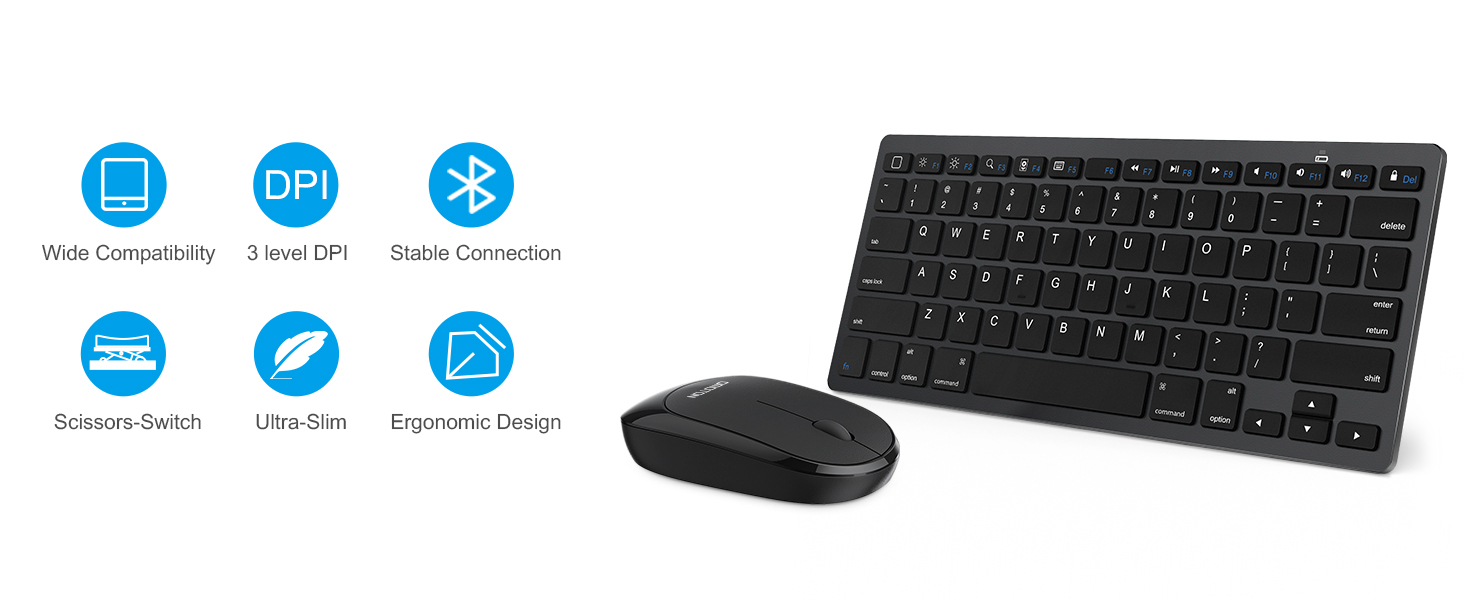
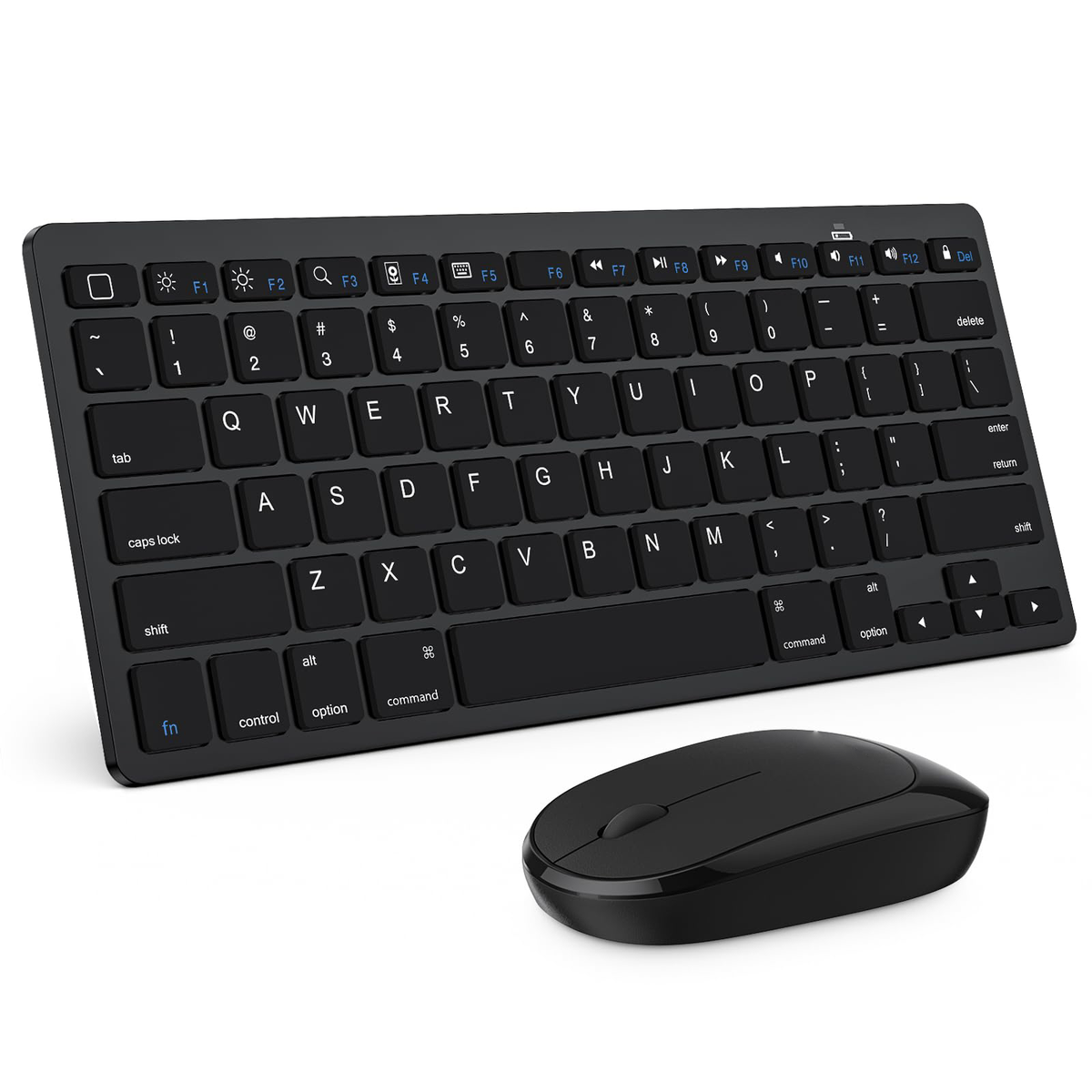
Bluetooth Keyboard and Mouse for iPad, Slim & Silent, Black
Couldn't load pickup availability
Share


From the brand

OMOTON
Whether you're typing, gaming, or designing, our keyboards are built to keep you in the flow.
Vibrant by design. Creative by choice.
-

Vibrant Purple, Energetic Vibe
Full-Size Wireless Keyboard & Mouse for Windows /PC /Laptop /Computer, Silent Typing Keys for Office /Home
-
Rechargeable Keyboard for iPad
-
Colorful Keyboard
-
For MacOS
-
Keyboard and mouse for Mac
-
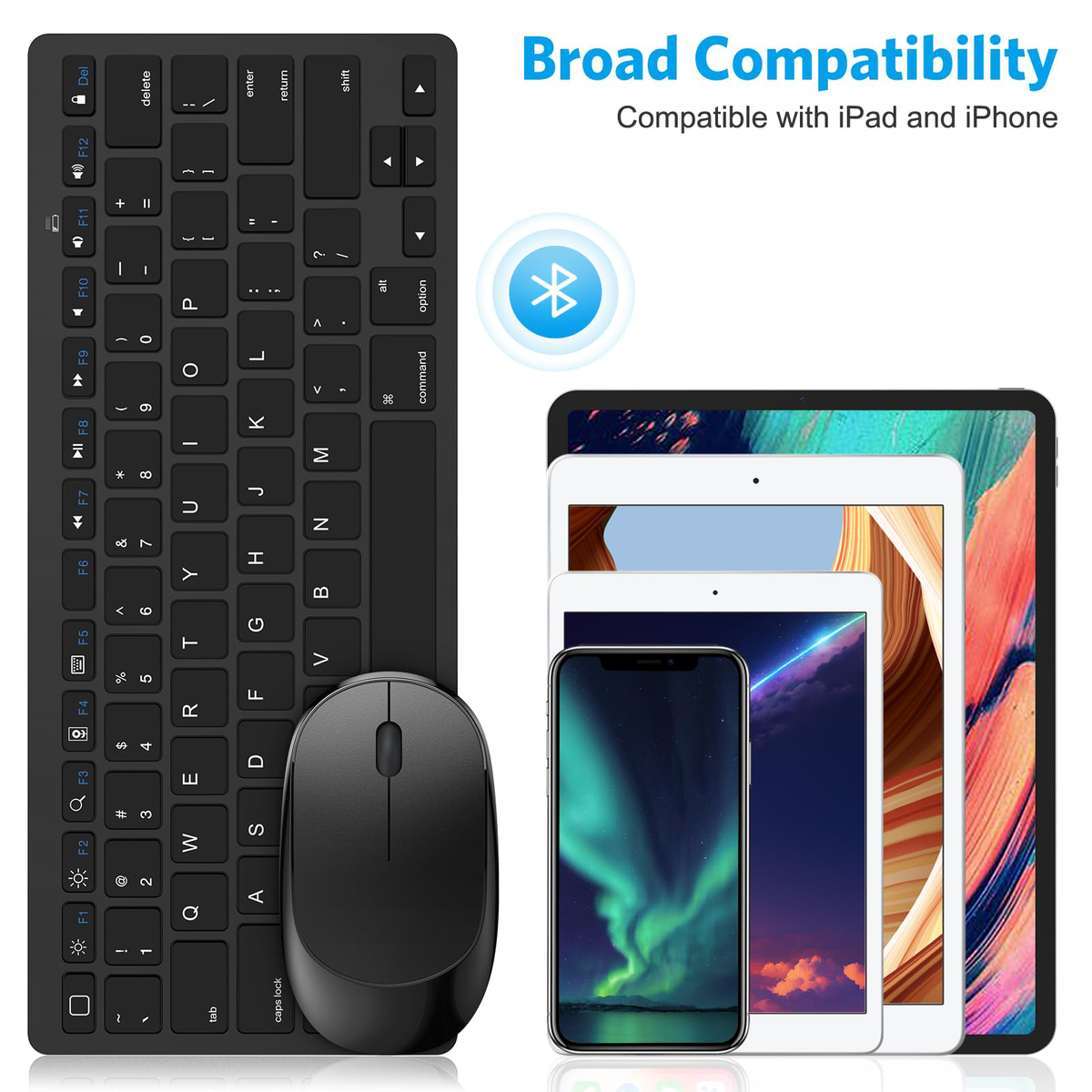
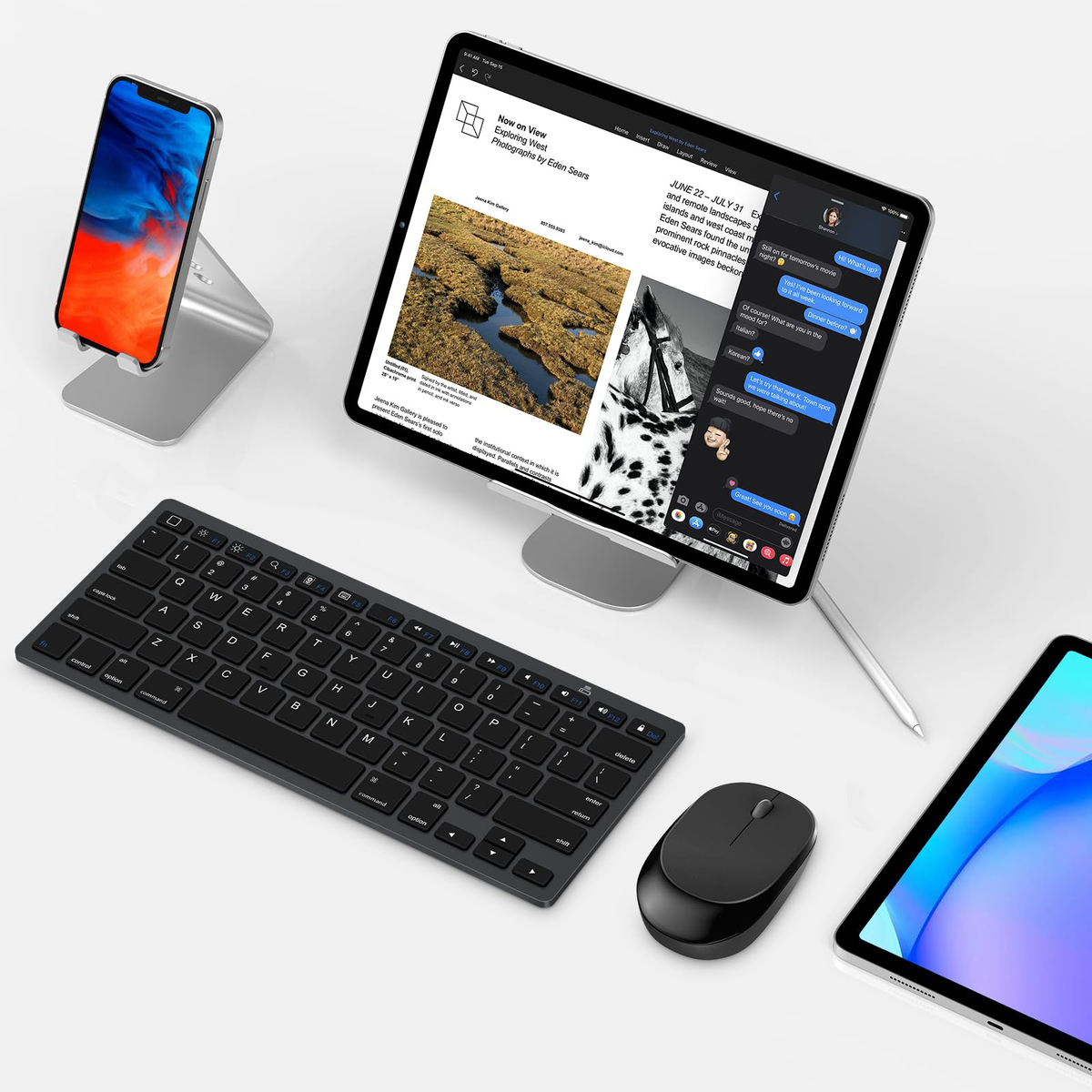
Keyboard and mouse for iPad
Product description


-
How to connect this keyboard and mouse?
You can look at the video on our picture page for a professional instruction.
-
Where is the esc key?
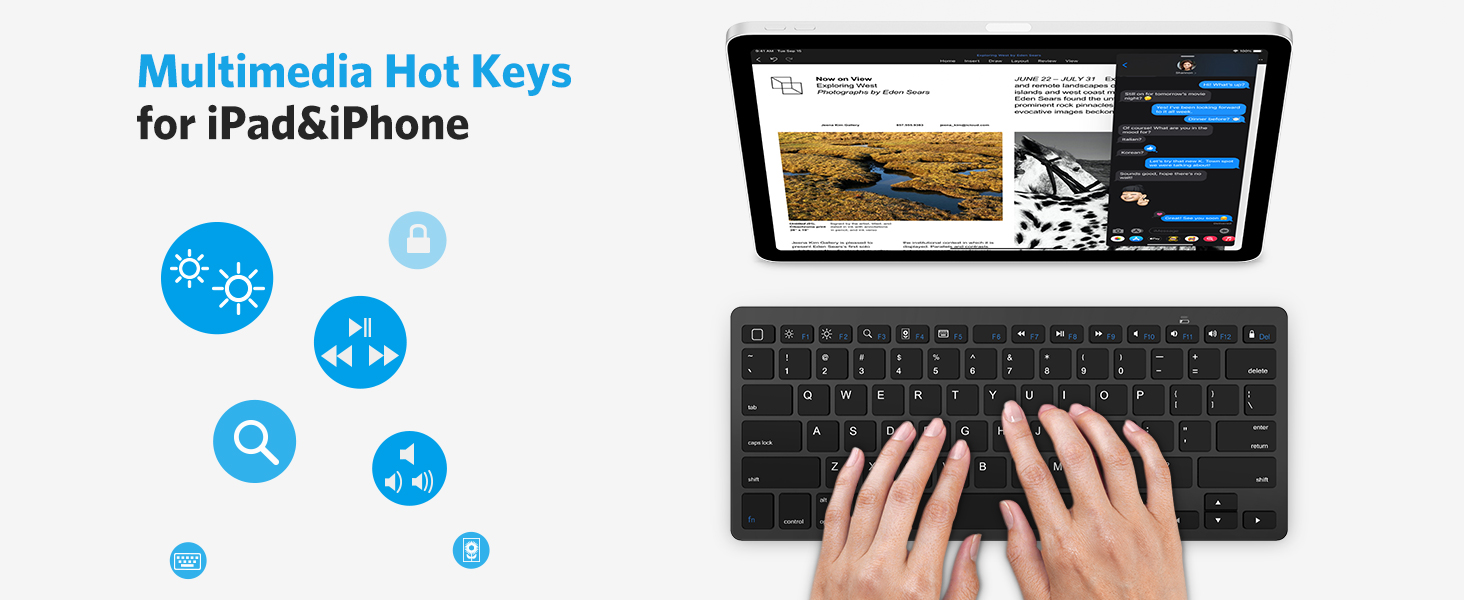
There is no esc button, when you use the keyboard on a iPad/iPhone, the first key in the top row is “Back to Home”. However if you use it on a Macbook, you can try to press the “fn+Back to Home” key as an esc key.
-
Can I switch between devices?
No, you can not connect two devices at once, before connecting a new device, disconnect it from other devices
-
For iPad User, how to change the scroll direction?
For direction, Go to Setting-General-Trackpad & Mouse-Turn off "Natural Scrolling"
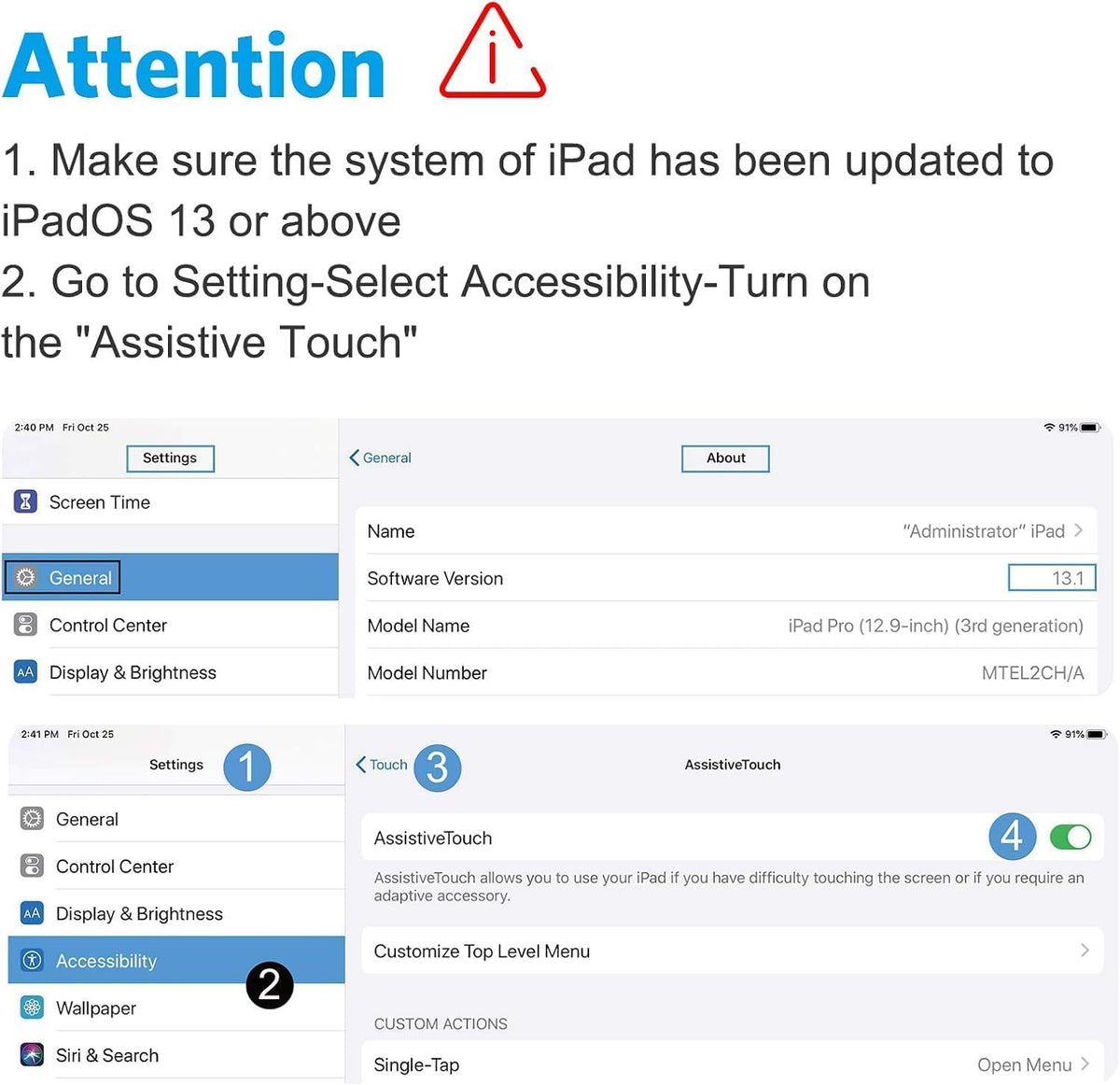
For speed, Go to Settings-Accessibility-Touch-Assistive Touch.-Scroll down to Mouse Keys-INITIAL DELAY/MAXIMUM SPEED
-
How to handle partial number and letter keys moving the mouse cursor instead of creating characters?
Go to Settings-Accessibility-Touch-Assistive Touch Turn the Mouse keys off.