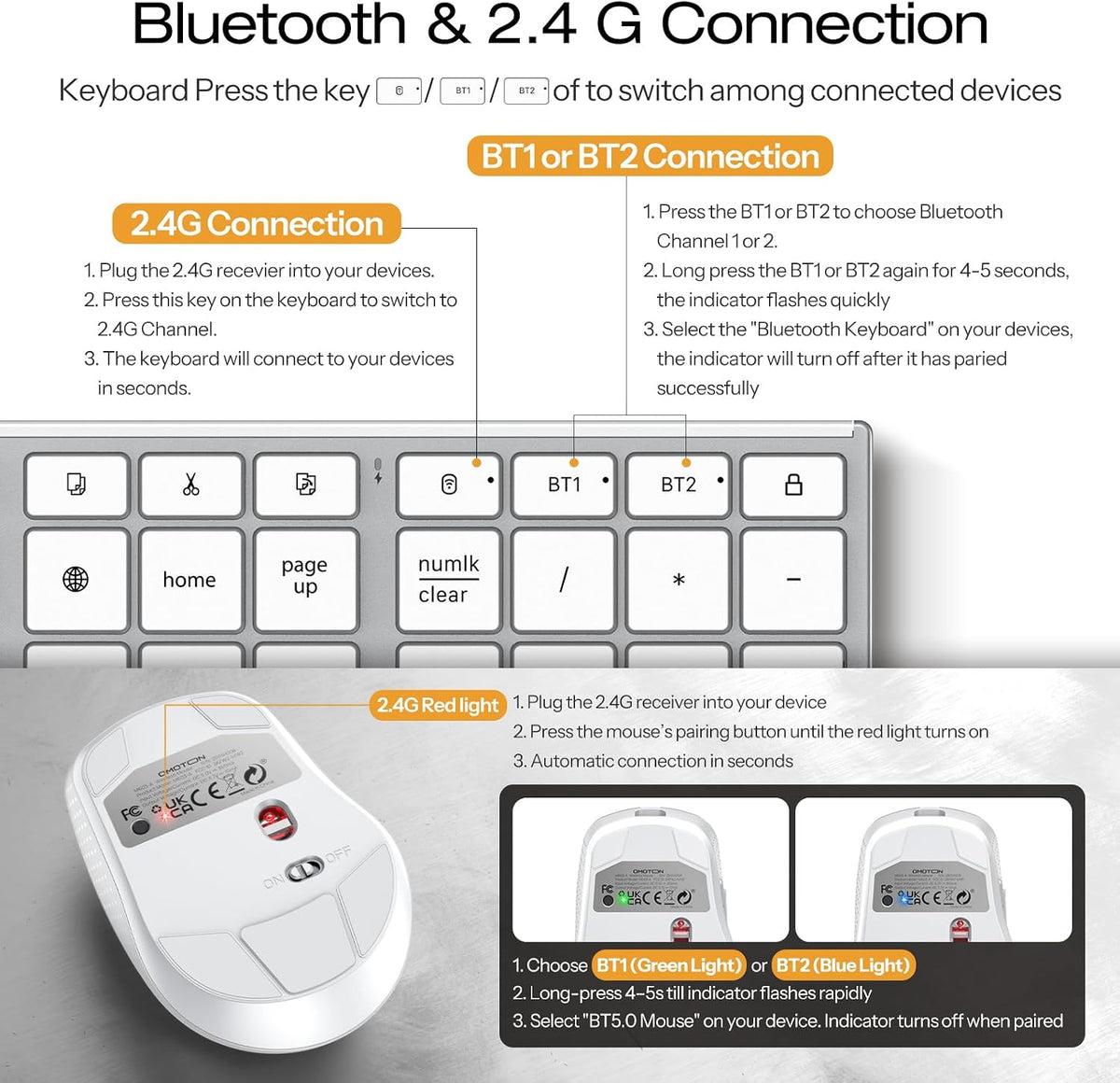
-
Why are some keyboard functions not working properly?
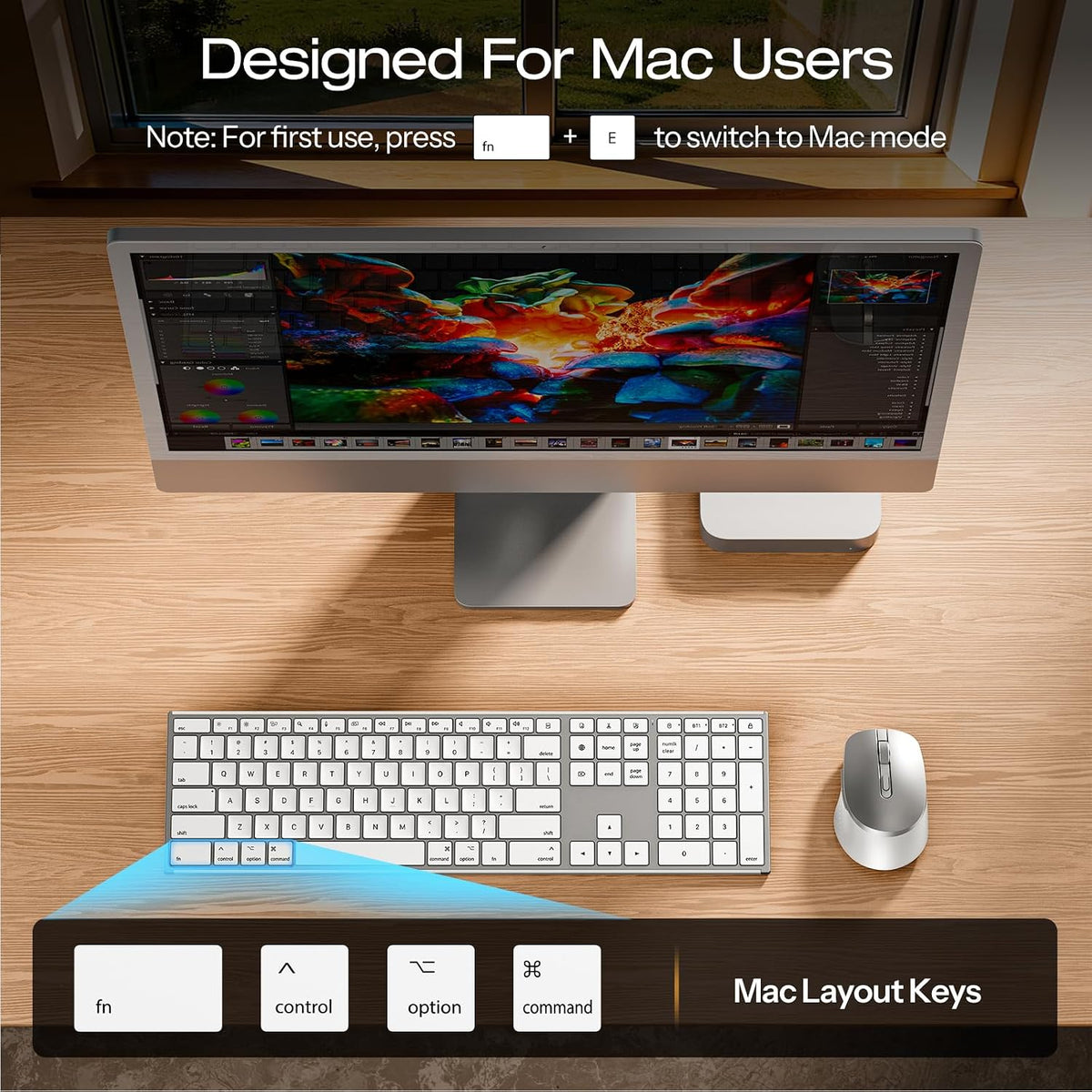
Before using the keyboard, press FN+W (for Windows) or FN+E (for macOS) to switch to the matching system mode. This prevents partial function unavailability.
-
How to Fix Keyboard Typing Multiple Letters on Mac.
1. On a Mac, choose the Apple menu>"System Preferences", click "Keyboard", and choose the Keyboard tab.
2. Locate the "Key Repeat" slider setting and adjust it to the "Off" position.
-
How do I confirm that the keyboard is at low battery?
The low battery indicator will flash red when power is too low, until the keyboard turns off. Low battery may also cause response delays or keys to feel stuck — charge promptly when the red light flashes.
-
Do the keyboard and mouse both support recharging? How long does the battery last?
Yes — keyboard: 1000mAh, mouse: 500mAh. A single 2–3 hour charge powers both for a full week or longer. Suitable for daily office work, studying, or home use — no need to constantly swap out batteries.
-
Which system works best with this keyboard?
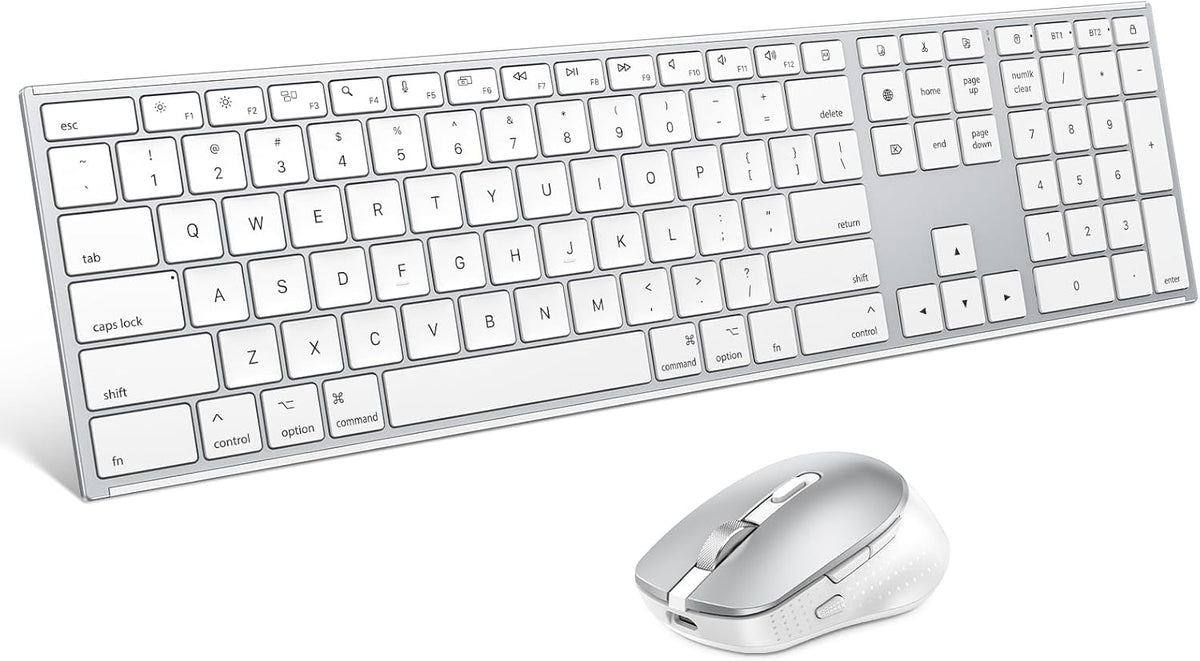
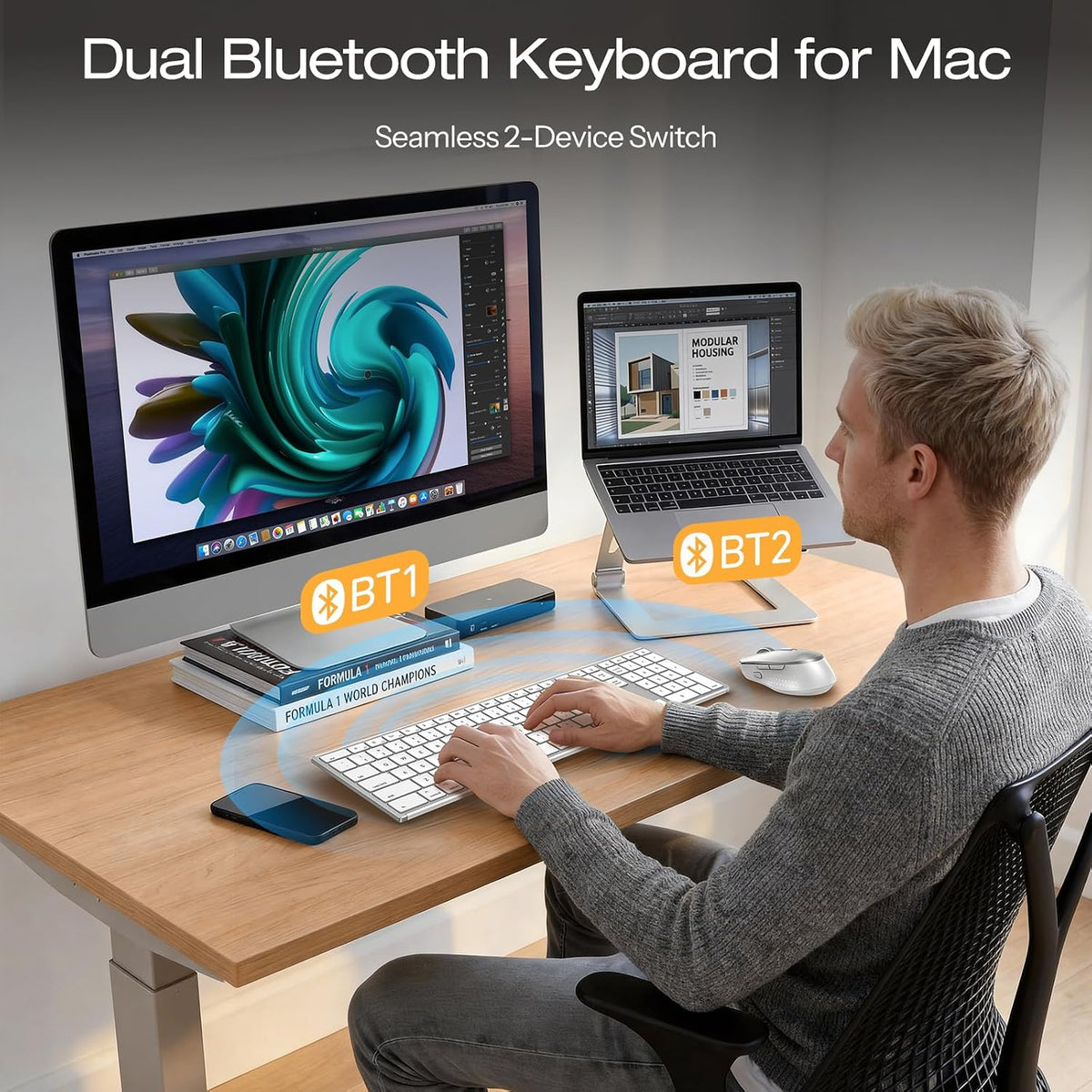
MacOS — fully optimized. It also connects to iPadOS 14.5+, Android, and Windows 10+, but please note: non-macOS systems may have limited function key support.